
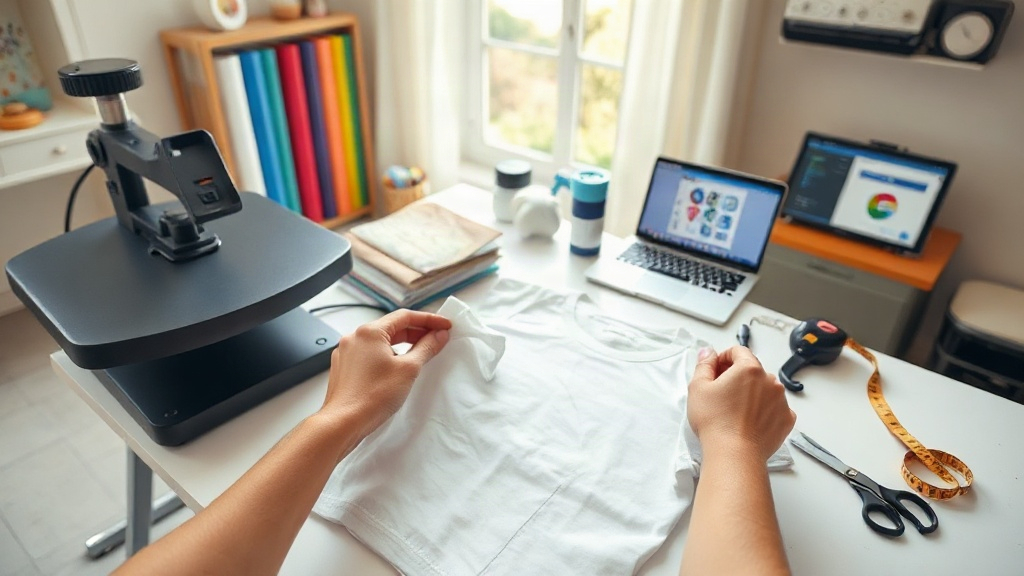
Creating your own custom shirts is one of the most rewarding DIY projects you can take on. Whether you're designing a family reunion tee, a team jersey, or a personal statement piece, the process lets you express your creativity while producing something wearable and unique. But with so many options for blanks, printing techniques, and design tools, it's easy to feel overwhelmed. This guide will walk you through every step, from selecting the right blank to mastering the printing method that suits your needs.
Why Custom Shirts Are Worth the Effort
Store-bought t-shirts often lack personality. They're mass-produced, and you'll likely see dozens of people wearing the same design. Custom shirts solve that problem by giving you full control over the look and feel. You can choose the fabric, fit, color, and graphics. Beyond personal style, custom shirts are also a practical solution for businesses, events, and teams. They build unity, serve as walking advertisements, and make excellent gifts. Plus, the act of creating something with your own hands is deeply satisfying.
Choosing the Right Blank T-Shirt
The foundation of any great custom shirt is a high-quality blank. Not all t-shirts are created equal, and the blank you choose will affect comfort, durability, and how well your design adheres. Here are key factors to consider.
Fabric Type and Weight
Cotton is the most popular choice for custom shirts because it's soft, breathable, and takes ink well. Ring-spun cotton offers an even softer feel, while combed cotton removes short fibers for a smoother surface. If you need moisture-wicking properties, consider a cotton-polyester blend. Fabric weight is measured in ounces per square yard (oz/yd²). A lightweight 4.0–4.5 oz shirt is airy and great for summer, while a heavier 6.0+ oz shirt feels more substantial and holds its shape longer. For printing, a mid-weight 5.0–5.5 oz cotton tee is a safe bet.
Fit and Style
Custom shirts come in many fits: classic, slim, relaxed, and even oversized. Think about who will wear the shirt and how they prefer their clothes to fit. A unisex classic fit is versatile, but if you're targeting a specific audience, you might opt for a women's cut or a youth size. Also consider neckline (crew, V-neck, scoop) and sleeve length (short, long, 3/4). The style should match the occasion and the wearer's taste.
Color Matters
The color of your blank impacts your design's visibility. Light shirts make dark inks pop, while dark shirts require light or bright inks. If you're using heat transfer vinyl, remember that some colors may show through if the vinyl is thin. Always test your design on the actual shirt color before committing to a large order.
Popular Printing Methods for Custom Shirts
Once you have your blanks, it's time to choose a printing method. Each technique has its own strengths and ideal use cases.
Screen Printing
Screen printing is the go-to for large orders. It involves pushing ink through a mesh screen onto the fabric. It's cost-effective per unit once you set up the screens, and it produces vibrant, long-lasting prints. However, it's not practical for small batches because each color requires a separate screen and setup fee. If you're printing 50+ shirts with a simple design, screen printing is hard to beat.
Direct-to-Garment (DTG) Printing
DTG printing works like a specialized inkjet printer for textiles. It's perfect for detailed, full-color designs and small runs. No screens or setup fees are needed, so you can print one shirt at a time. The ink sits on top of the fabric, which can feel slightly stiff on heavy cotton, but on 100% cotton it blends well. DTG is ideal for photographic images and complex gradients.
Heat Transfer Vinyl (HTV)
HTV is a favorite for DIY enthusiasts. You cut your design from a sheet of vinyl, weed out the excess, and press it onto the shirt with a heat press or iron. It's great for simple shapes, text, and single-color designs. HTV comes in many finishes: matte, glossy, metallic, glitter, and even glow-in-the-dark. It's durable if applied correctly, but large solid areas can feel rubbery.
Vinyl Cutting and Printing
If you have a cutting machine like a Cricut or Silhouette, you can create intricate designs with vinyl. This method overlaps with HTV but also includes printable vinyl that you can run through an inkjet printer. Printable vinyl allows for full-color designs without the cost of DTG. It's a versatile option for one-off projects.
Designing Your Custom Shirts: Tips for Impact
A great design starts with a clear concept. Ask yourself: what message do I want to convey? Who is the audience? Keep these principles in mind:
- Simplicity wins. A clean, bold graphic often outperforms a cluttered one. Limit your color palette to 2–3 colors for screen printing.
- Think about placement. Center chest, left chest, full back, or sleeve. Consider how the design interacts with seams and folds.
- Use high-resolution files. For DTG or printable vinyl, 300 DPI is essential to avoid pixelation.
- Test on a sample. Always print a test shirt before producing a batch. Colors may look different on screen versus fabric.
If you're not a designer, don't worry. Many online tools and templates can help you create professional-looking artwork. Canva, for example, offers free templates and easy drag-and-drop functionality.
Step-by-Step: Making Custom Shirts at Home
Ready to get started? Follow this simple workflow for a successful project.
- Choose your blank. Pick a comfortable, well-fitting t-shirt in the color you want.
- Create your design. Use design software or an online tool. Remember to mirror your image if using HTV.
- Prepare your workspace. You'll need a heat press or iron, parchment paper, and a lint roller.
- Cut and weed your vinyl (if using HTV). Remove all excess vinyl from the carrier sheet.
- Pre-press the shirt. This removes moisture and wrinkles, ensuring better adhesion.
- Apply the design. Follow the vinyl manufacturer's temperature and time settings. Use firm pressure.
- Peel and enjoy. Wait for the recommended time (hot or cold peel) before removing the carrier sheet.
For DTG or screen printing, you'll likely send your design to a professional printer. Many online services allow you to upload your artwork and order small or large quantities.
Common Mistakes to Avoid
Even experienced crafters make mistakes. Here are pitfalls to watch for:
- Not pre-washing. Some blanks shrink, so pre-wash and dry before printing to avoid a wrinkled design later.
- Using too much heat. Excessive heat can scorch the fabric or melt vinyl. Always check temperature settings.
- Ignoring fabric content. HTV adheres differently to cotton vs. polyester. Use the right vinyl for your fabric.
- Skipping the test. A test shirt saves you from ruining an entire batch.
Where to Buy Blanks for Custom Shirts
Quality blanks are the backbone of your project. You can find them at craft stores, wholesale distributors, and online retailers. When buying, check for consistent sizing, softness, and color accuracy. If you're ordering in bulk, request swatches first. Some popular brands include Gildan, Bella+Canvas, and Next Level. For eco-conscious creators, organic cotton and recycled blends are increasingly available.
Frequently Asked Questions About Custom Shirts
What is the best t-shirt for custom printing?
100% ring-spun cotton in a mid-weight (5.0–5.5 oz) is generally the best for printing. It's soft, takes ink well, and is durable. For performance wear, a cotton-poly blend works better.
Can I make custom shirts without a heat press?
Yes, you can use a regular iron. Set it to the highest temperature with no steam, and apply firm pressure for the recommended time. However, a heat press gives more consistent results, especially for large batches.
How do I wash custom shirts to make them last?
Turn the shirt inside out and wash in cold water on a gentle cycle. Avoid fabric softener and bleach. Tumble dry on low or hang dry. This preserves the print and fabric.
What's the most cost-effective printing method for a small order?
For 1–10 shirts, DTG or printable vinyl is most economical because there are no setup fees. For 50+ shirts, screen printing becomes cheaper per unit.
Can I print on dark shirts with DTG?
Yes, but DTG on dark colors requires a white underbase, which adds a step. The result is a slightly thicker feel. Alternatively, use HTV or screen printing for dark garments.
Creating custom shirts is a blend of art and science. With the right blank, printing method, and a bit of patience, you can produce wearable masterpieces that reflect your style or promote your brand. Start with a single shirt, learn from the process, and soon you'll be cranking out custom designs like a pro.